Dashboard
View today’s tasks and notifications from all sections in a single place.

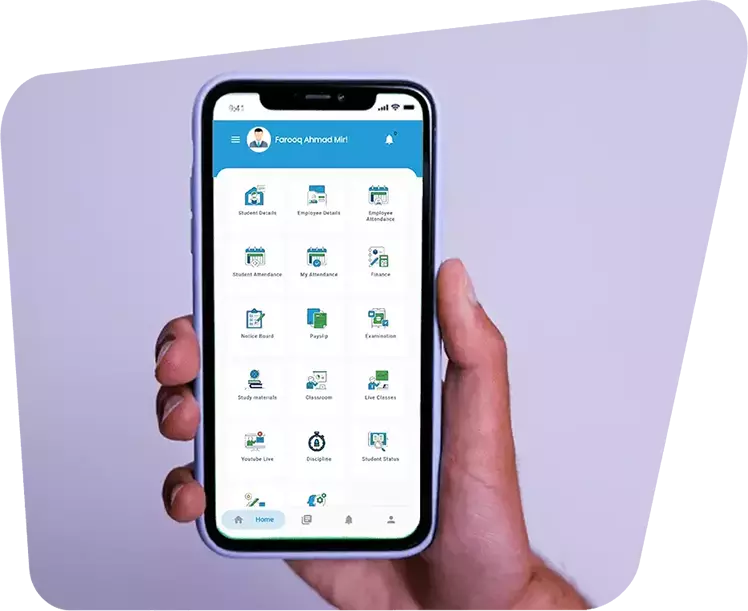


View today’s tasks and notifications from all sections in a single place.
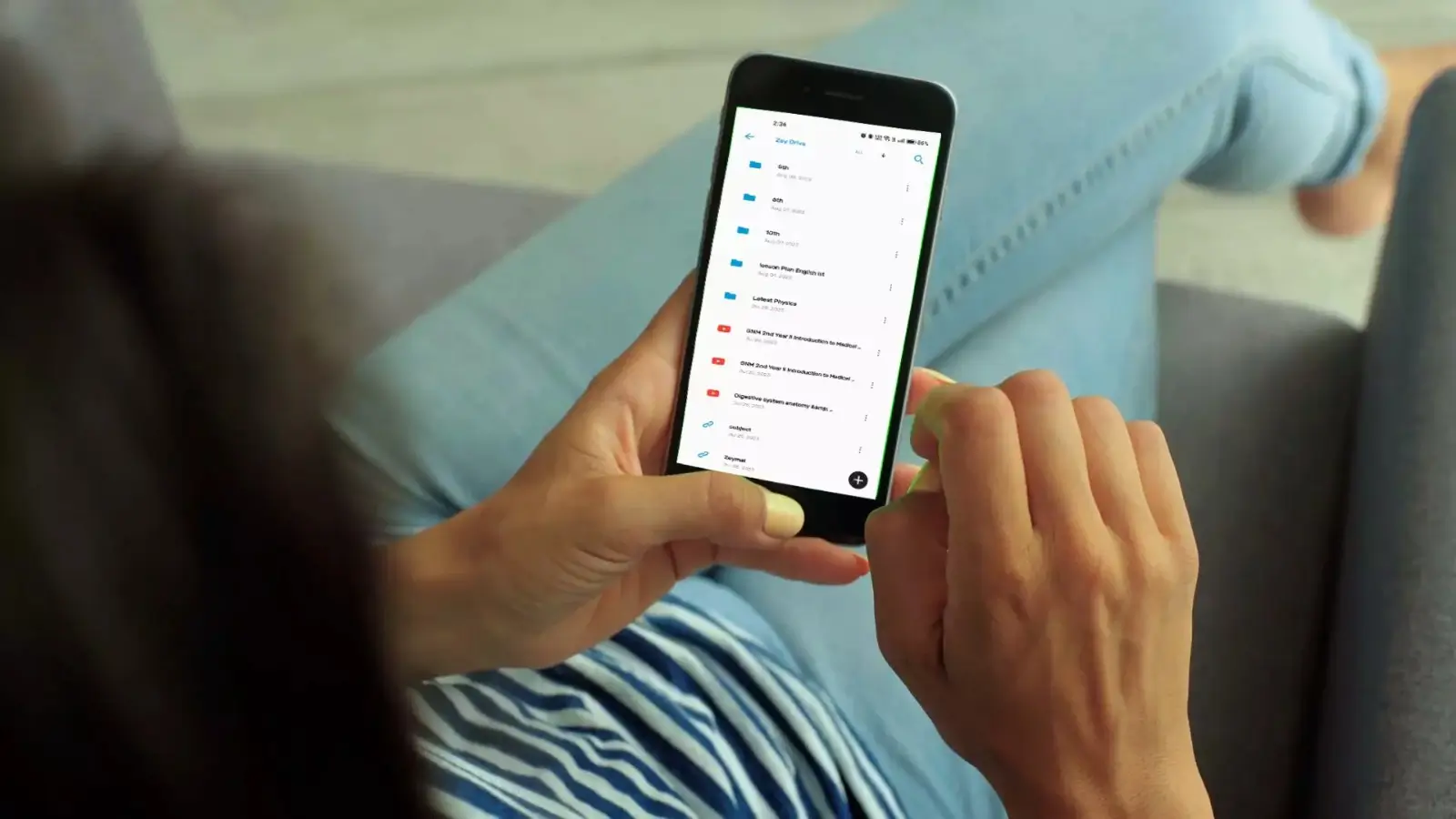
Manage and access study materials and resources for students and employees securely.
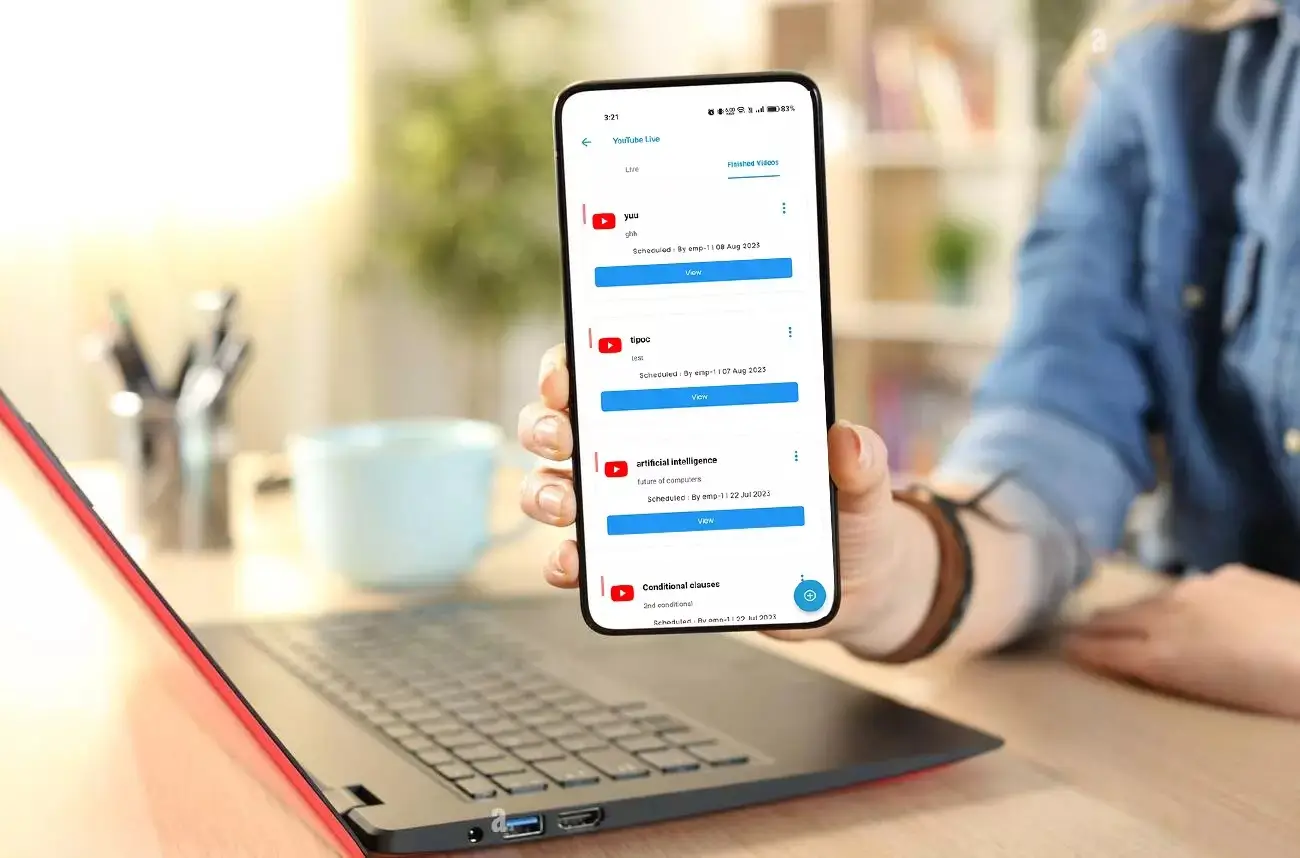
Conduct live classes or webinars directly through YouTube integration.


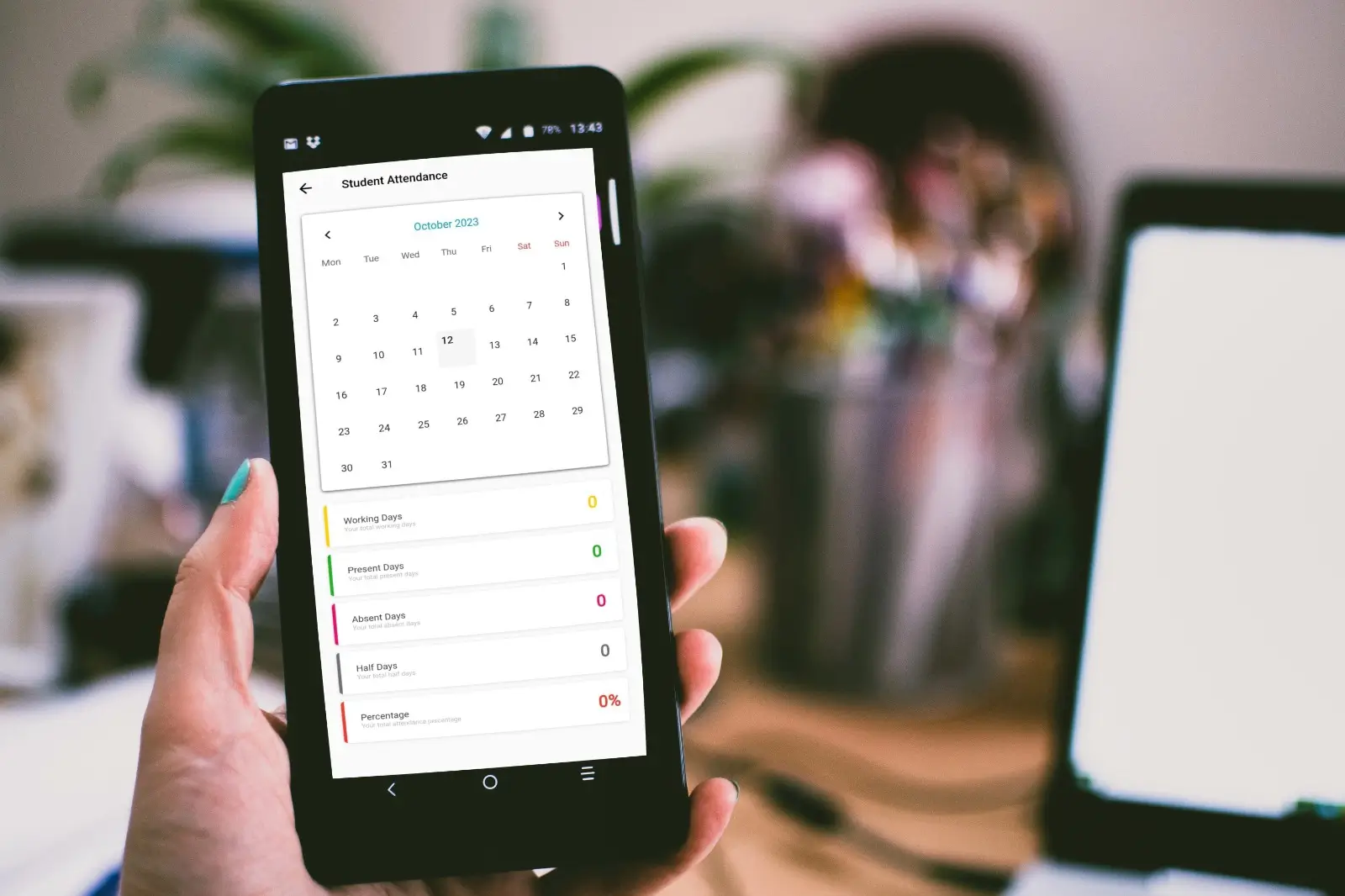
View and manage attendance of students and employees, including geo-location tracking.
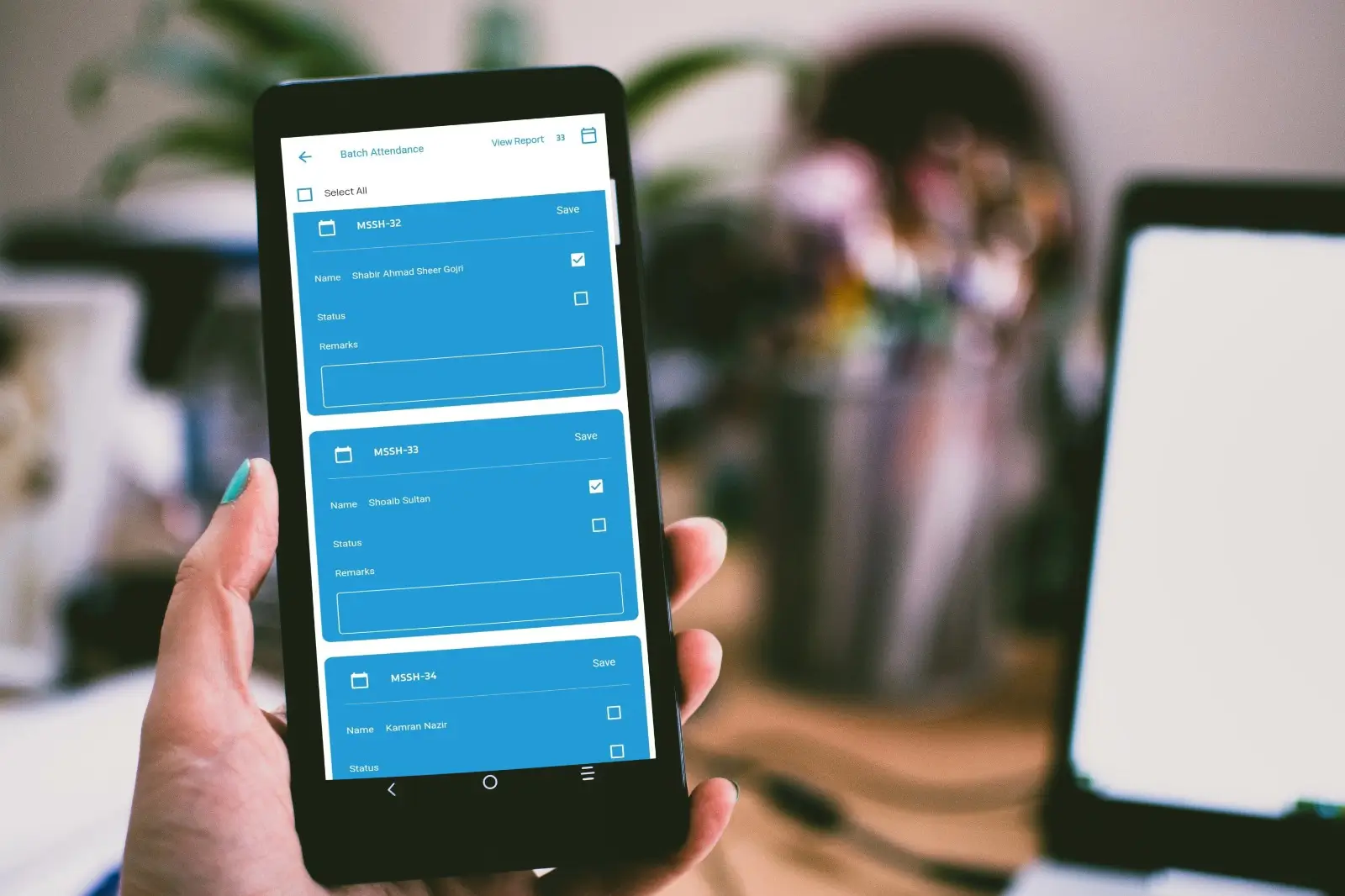
Mark attendance for students or employees in the absence of hardware integration.
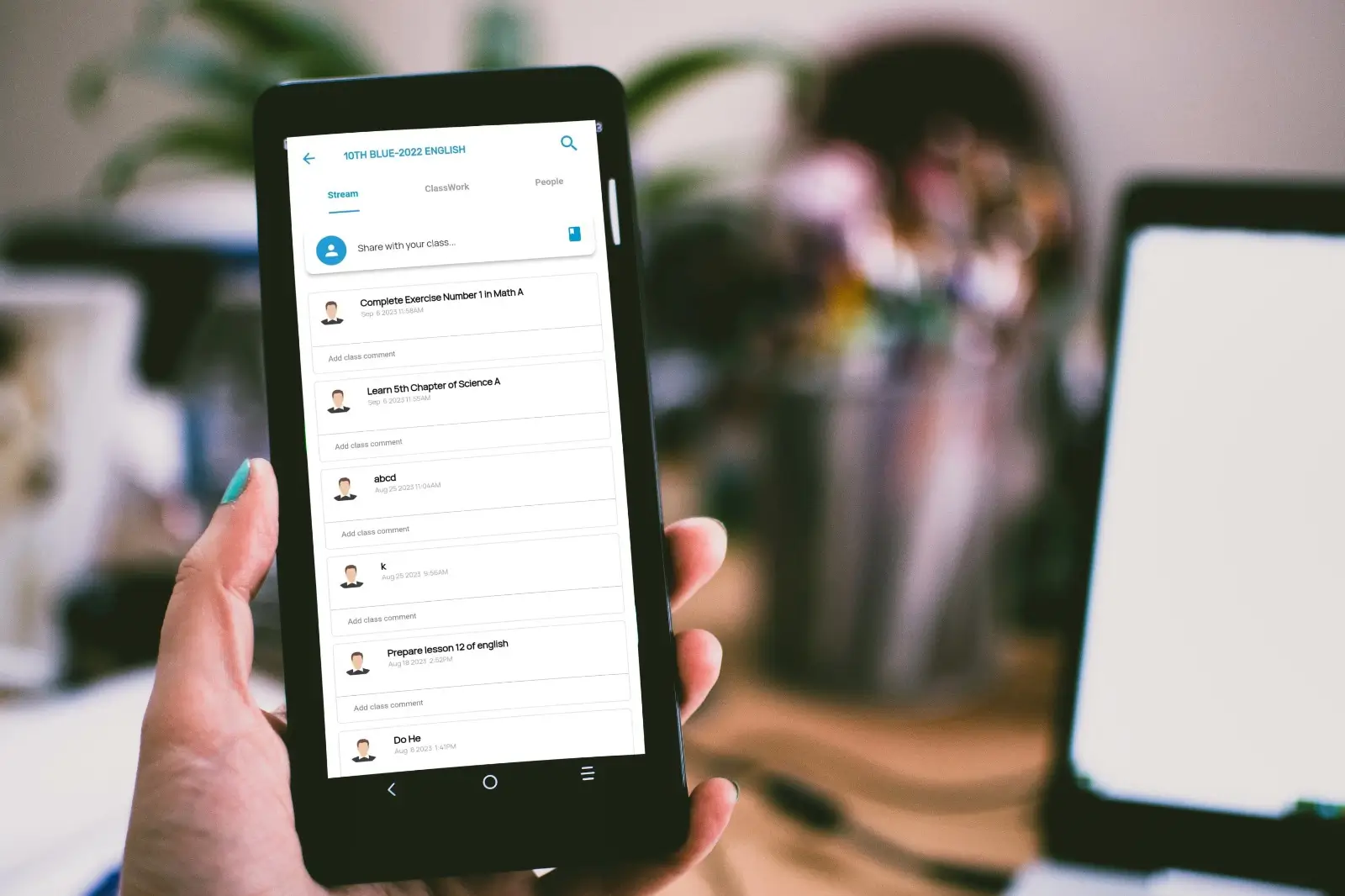
Assign homework or tasks, track submissions, evaluate responses, and provide feedback.
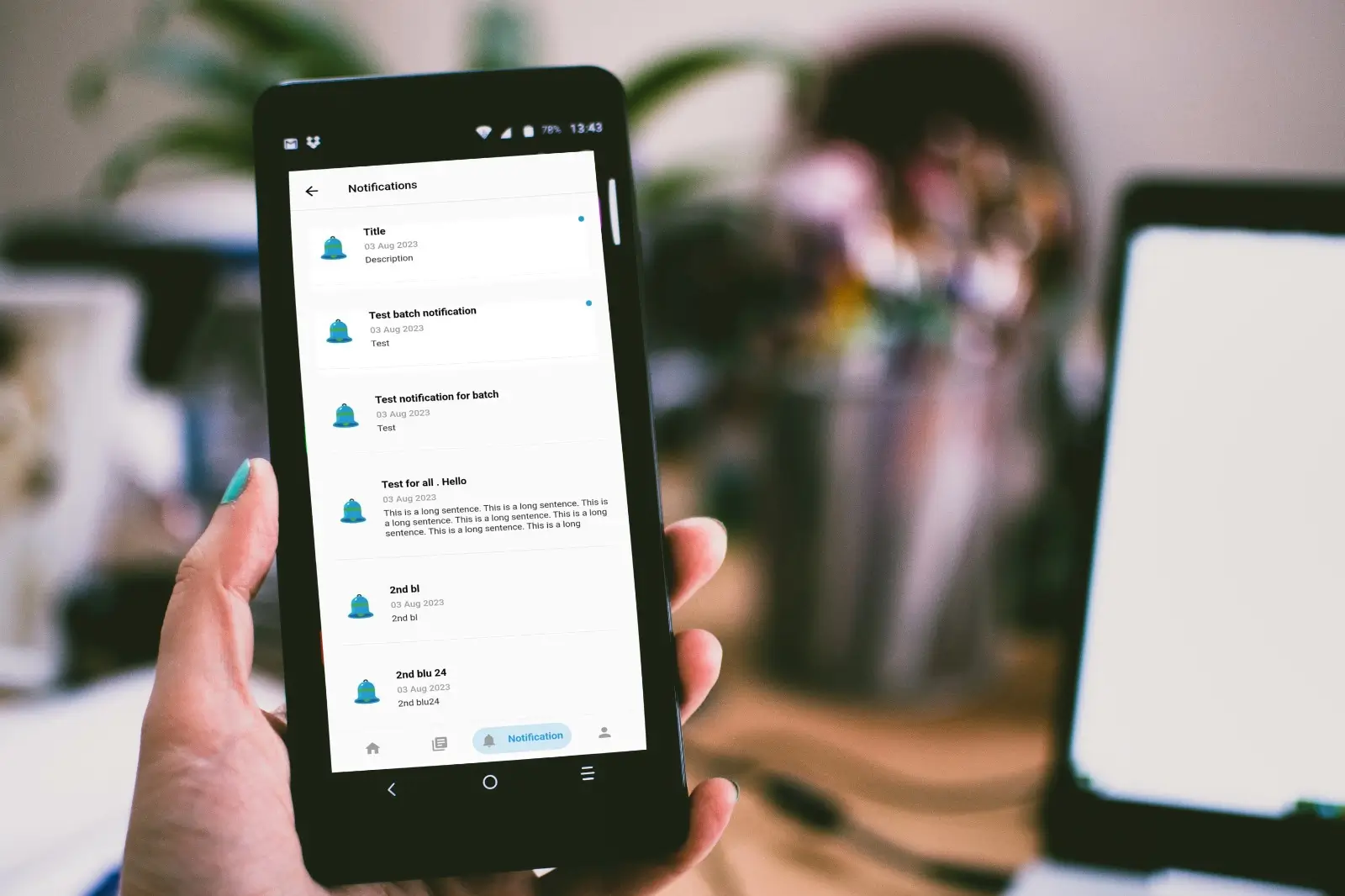
View and manage notifications, circulars, notices, holidays, or schedule changes.

Manage institutional events, pre-planned holidays, and the academic calendar.
Push notifications for deadlines, assignments, fees, or study materials.
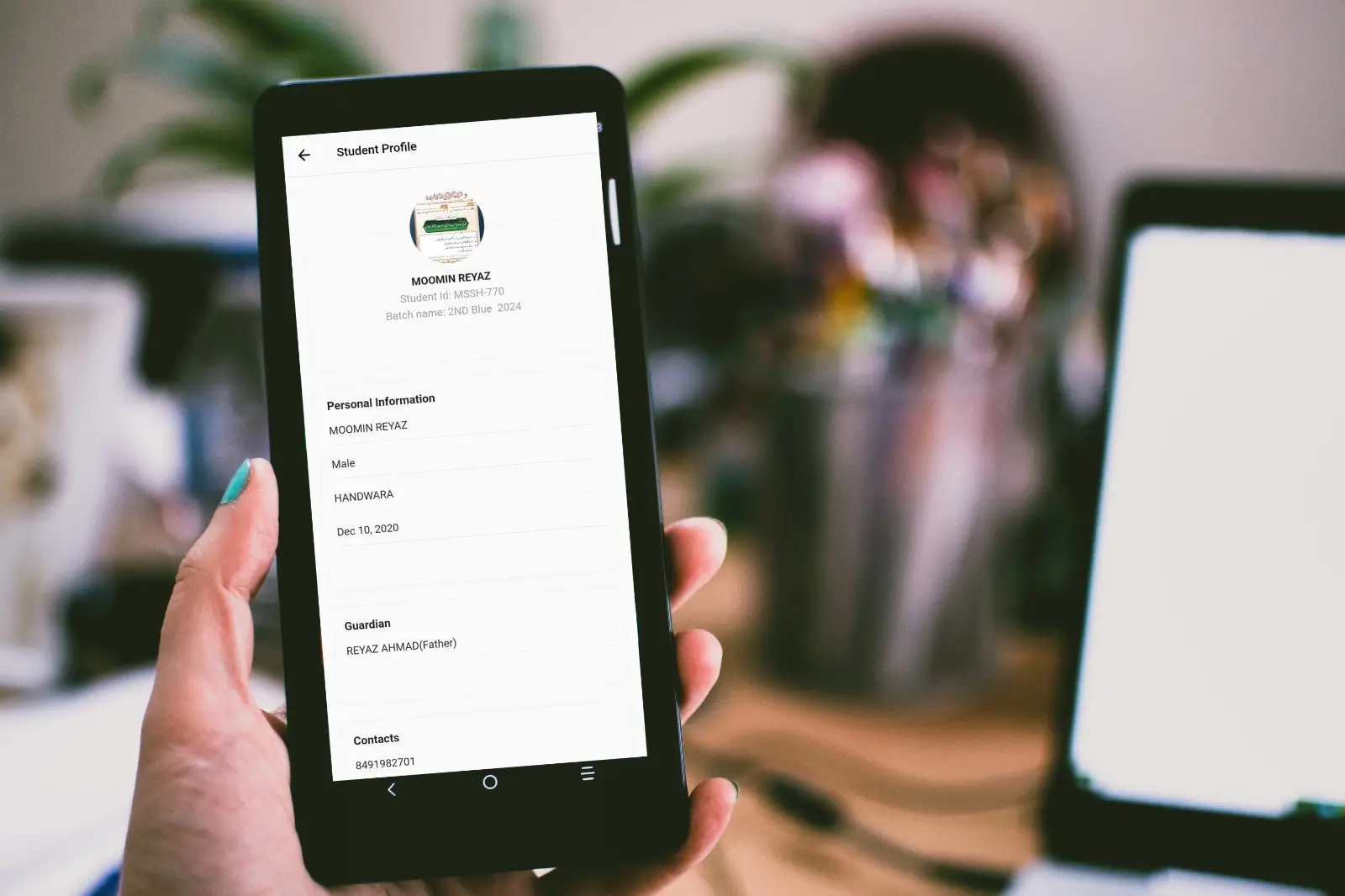
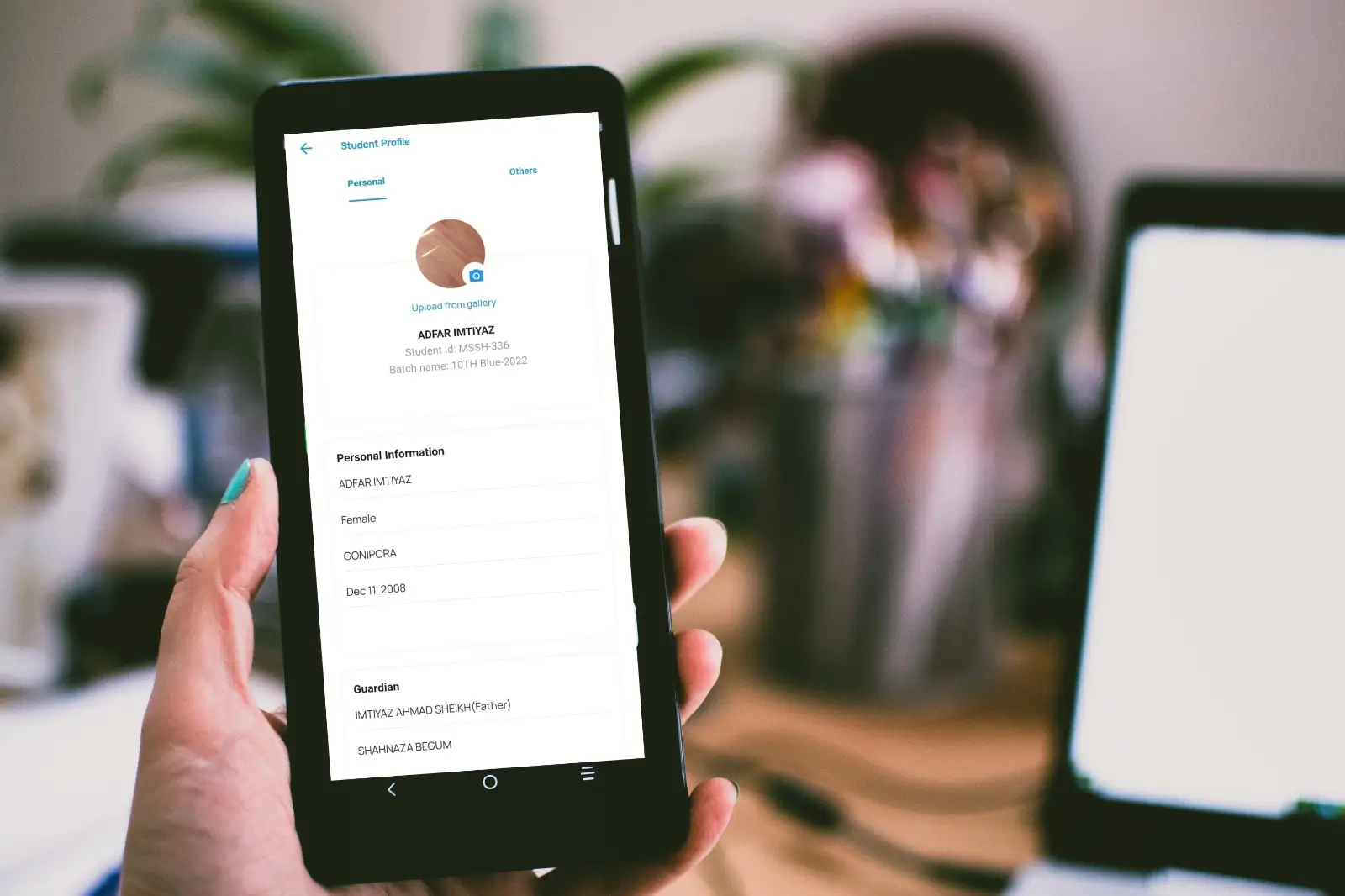
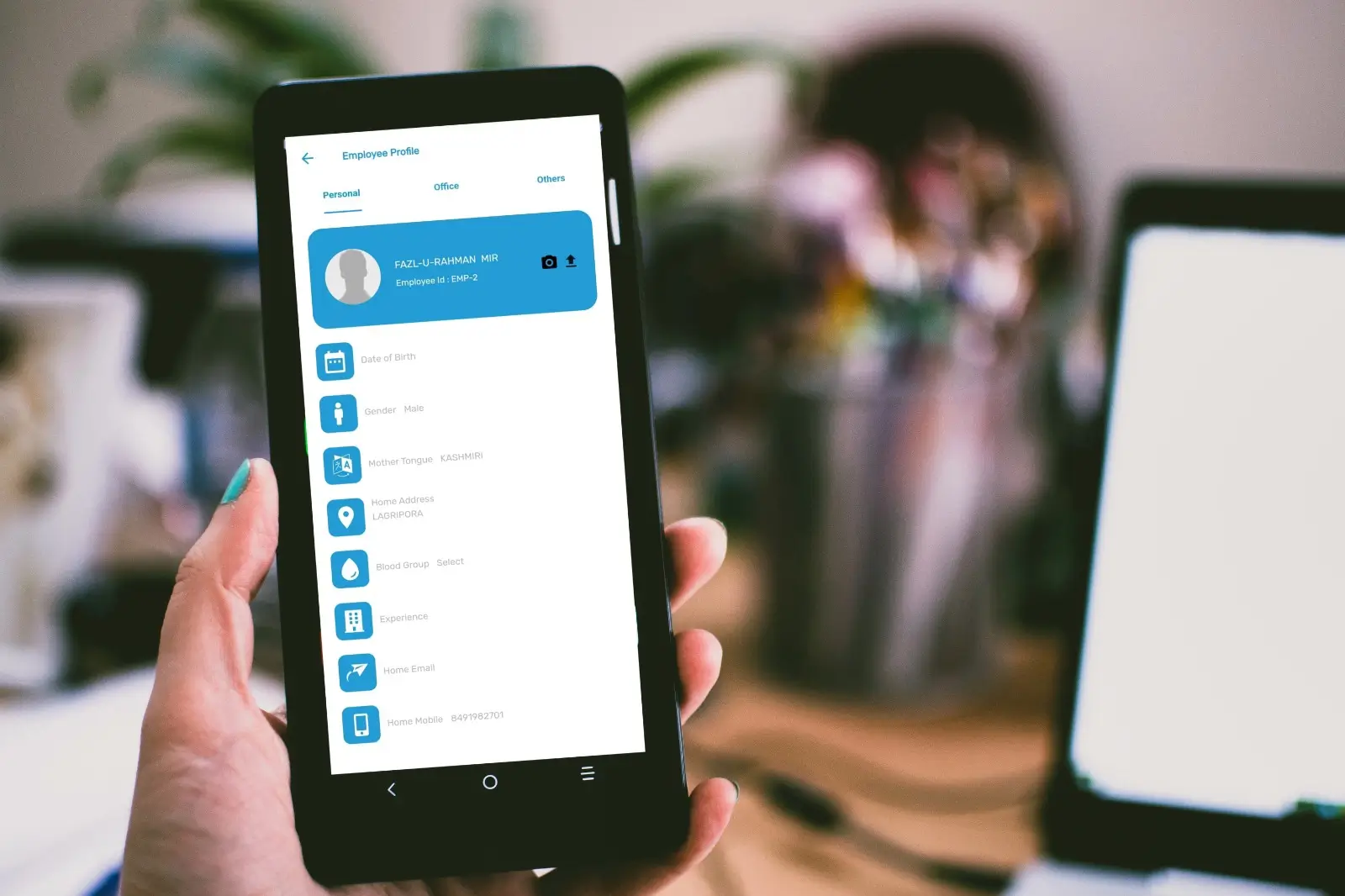
Access department-wise employee information with search and filter options
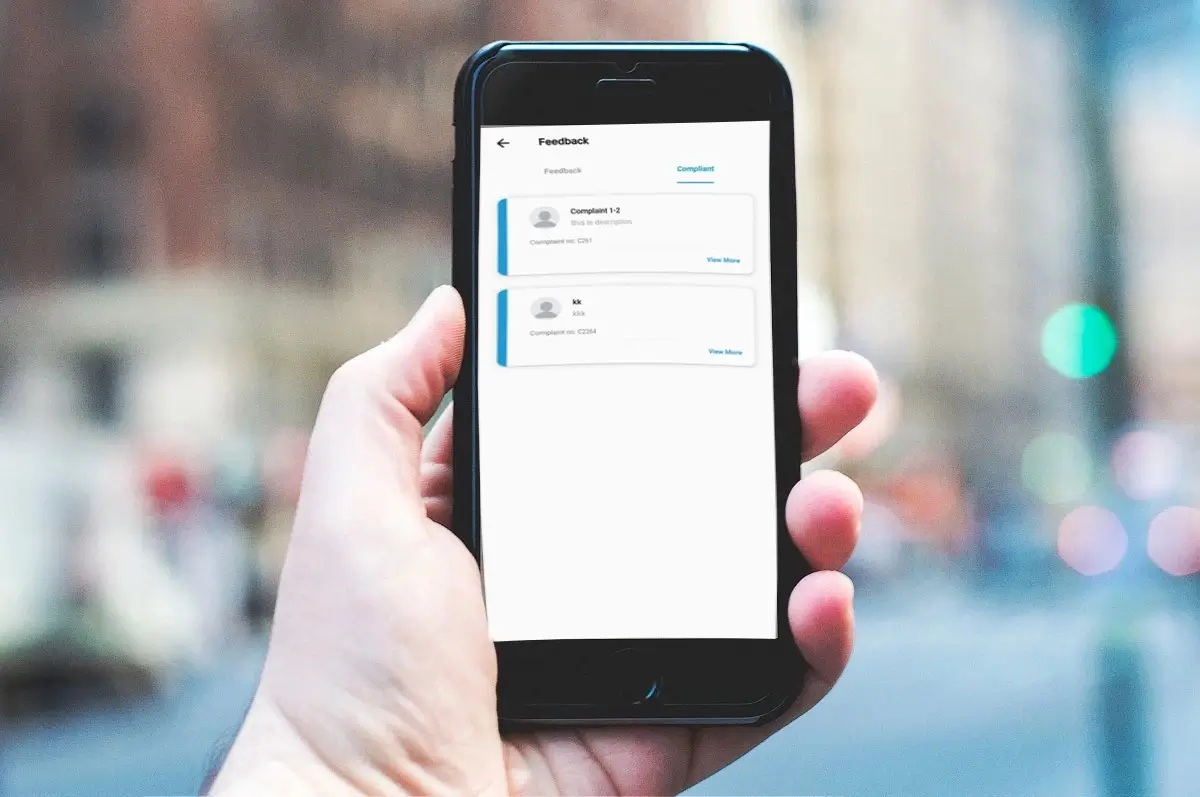
Track complaints, incidents, and disciplinary actions effectively.

View absentee details for classes or employees.
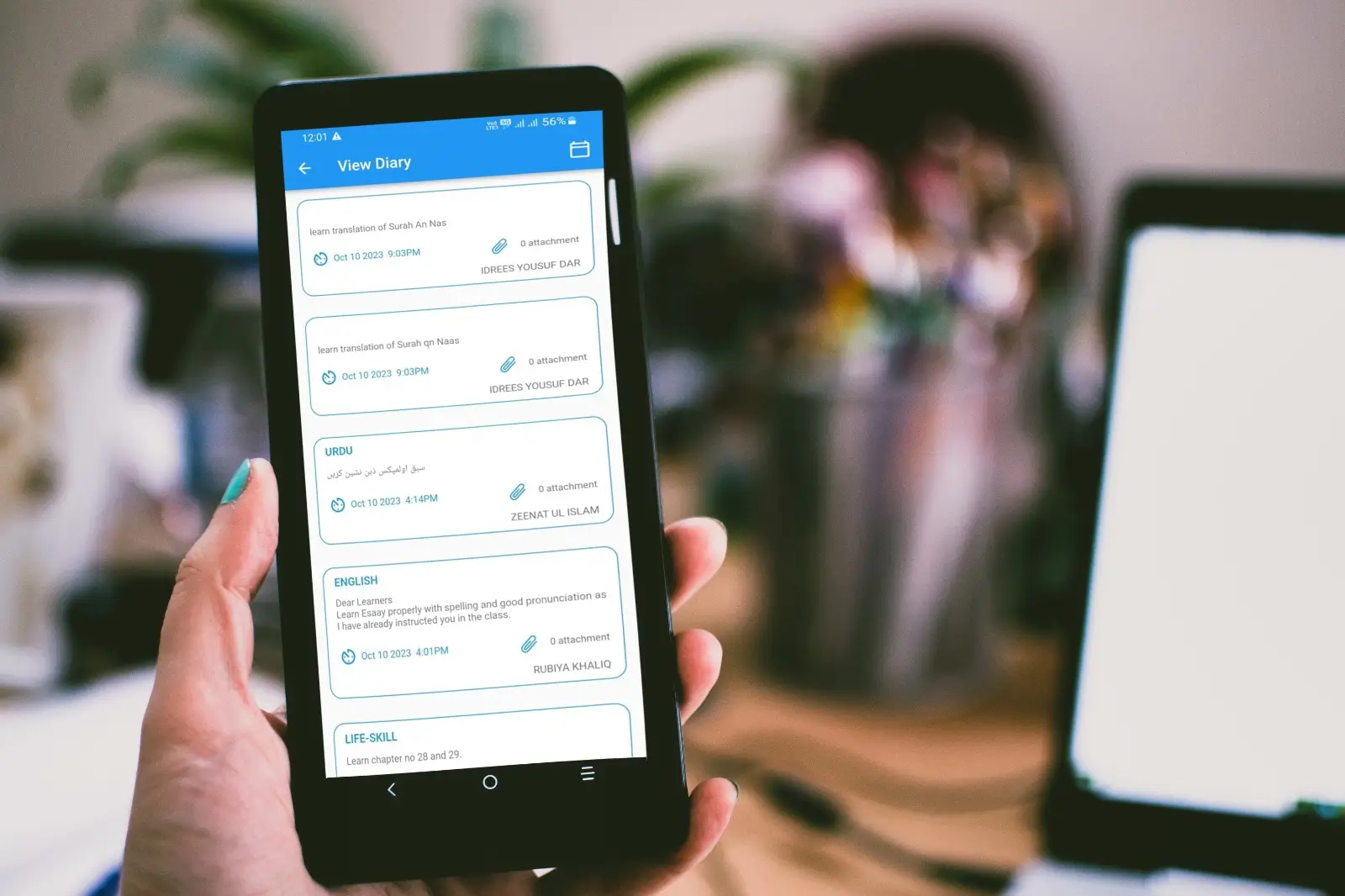
Receive reminders for assignments, events, and important deadlines.
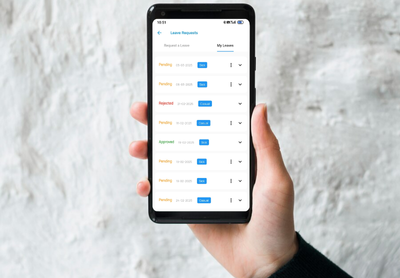
Submit leave requests and track approvals or rejections in real time.

Mark attendance with geo-location verification within an allowed range.
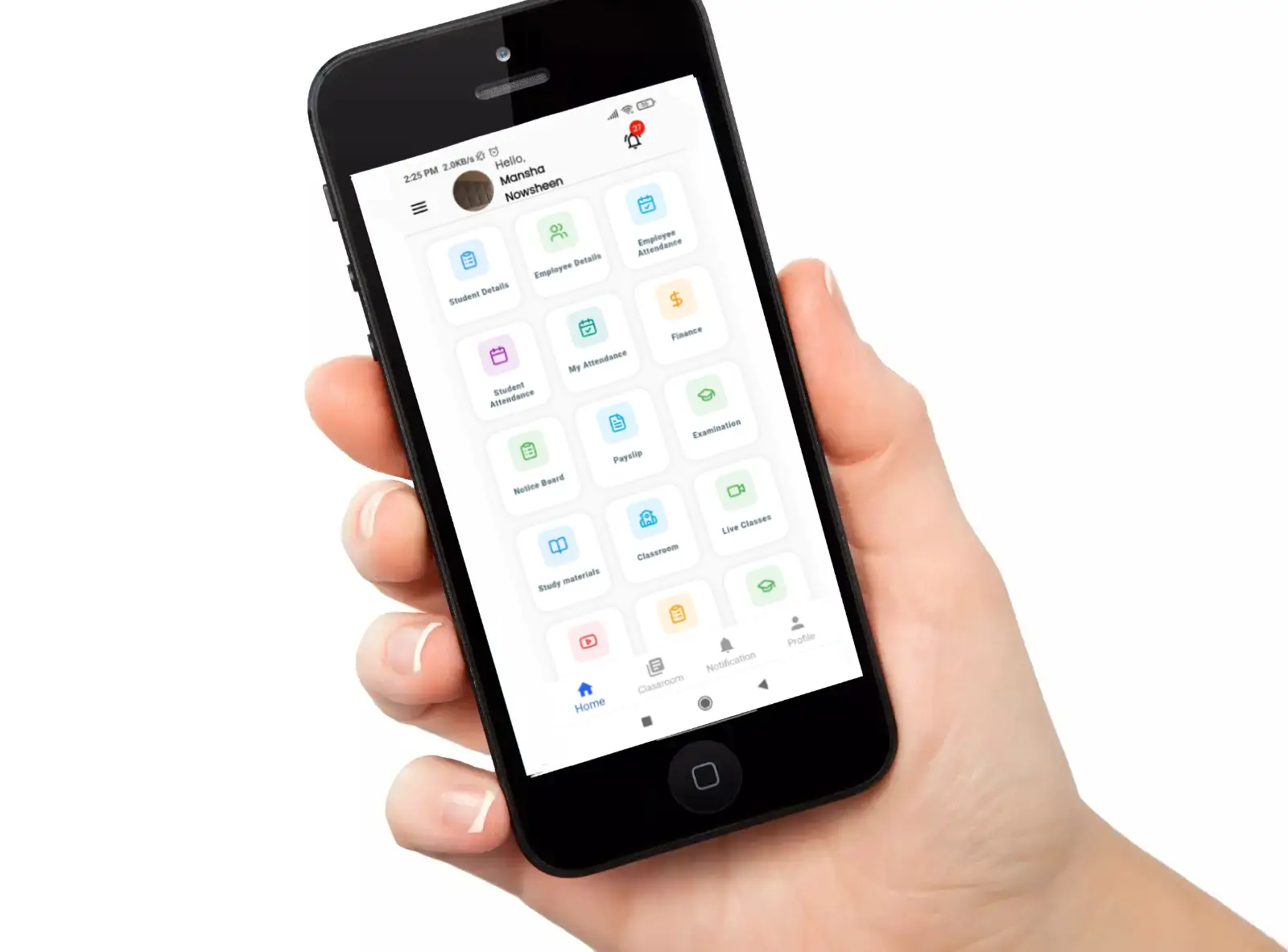
Configure user roles and permissions, enabling controlled access to different features across the platform.
Configure institutional information, including geo-location latitude, longitude, and allowed radius, to enable accurate geo-location-based attendance.
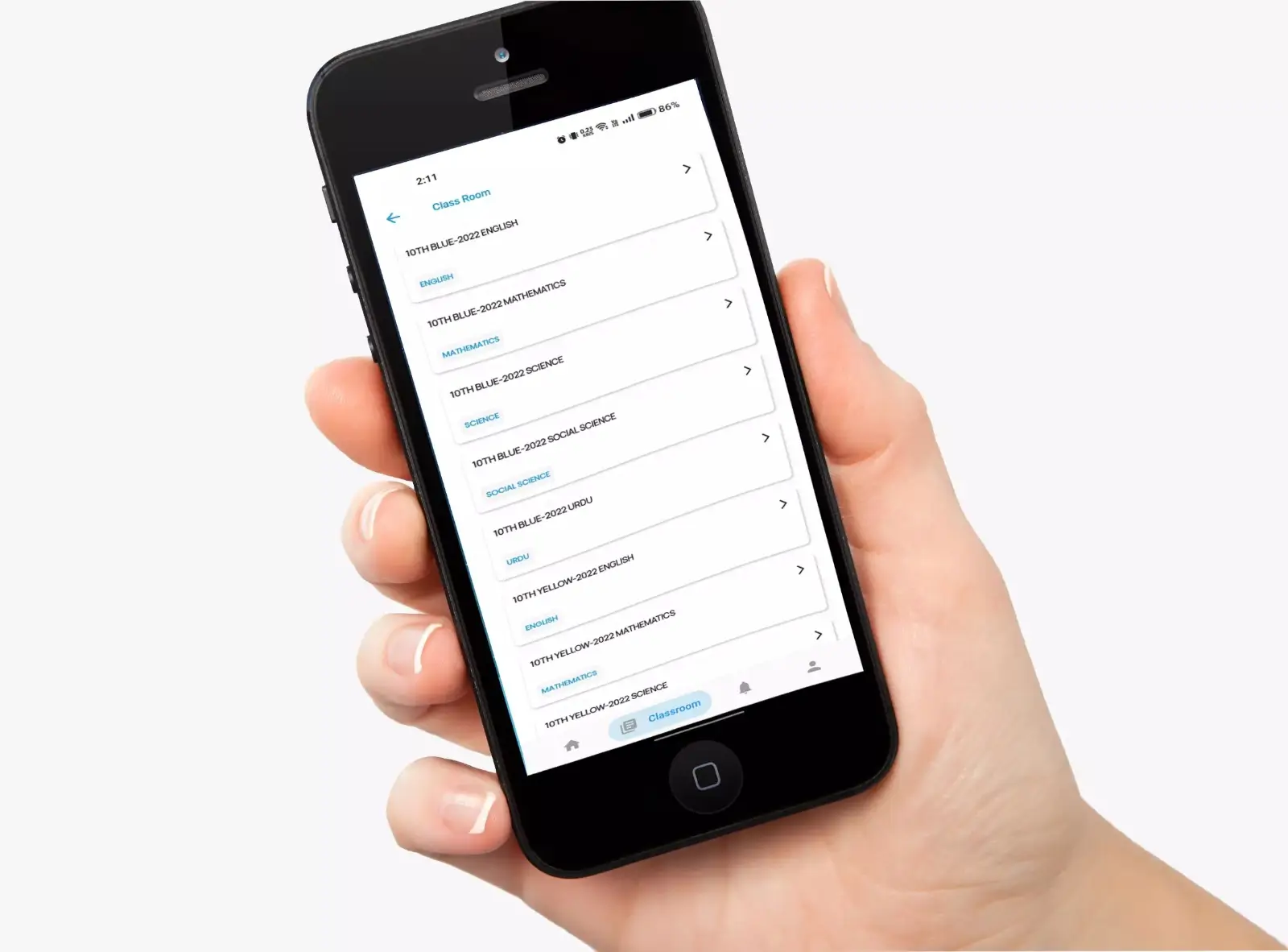
Create and manage classrooms, assign subjects, and allocate teachers with their timetables. Easily track which classes are already assigned for better scheduling.
Assign tutors to batches solely for the purpose of marking attendance for their respective classes.
View personal attendance records and mark attendance using geo-location within the allowed range.
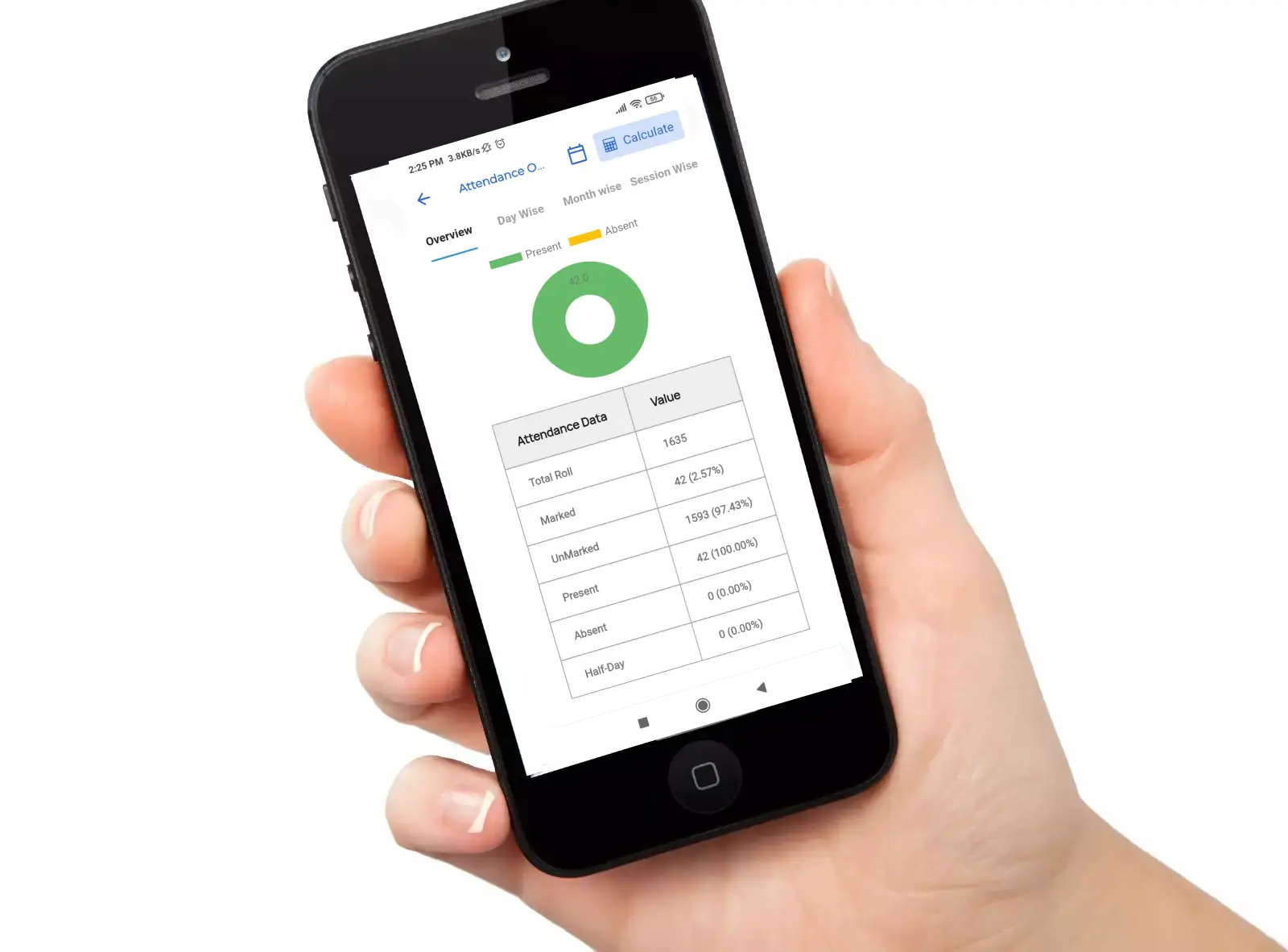
View student attendance reports day-wise, month-wise, or session-wise. Enabling admins to monitor marked and unmarked attendance for all classes.
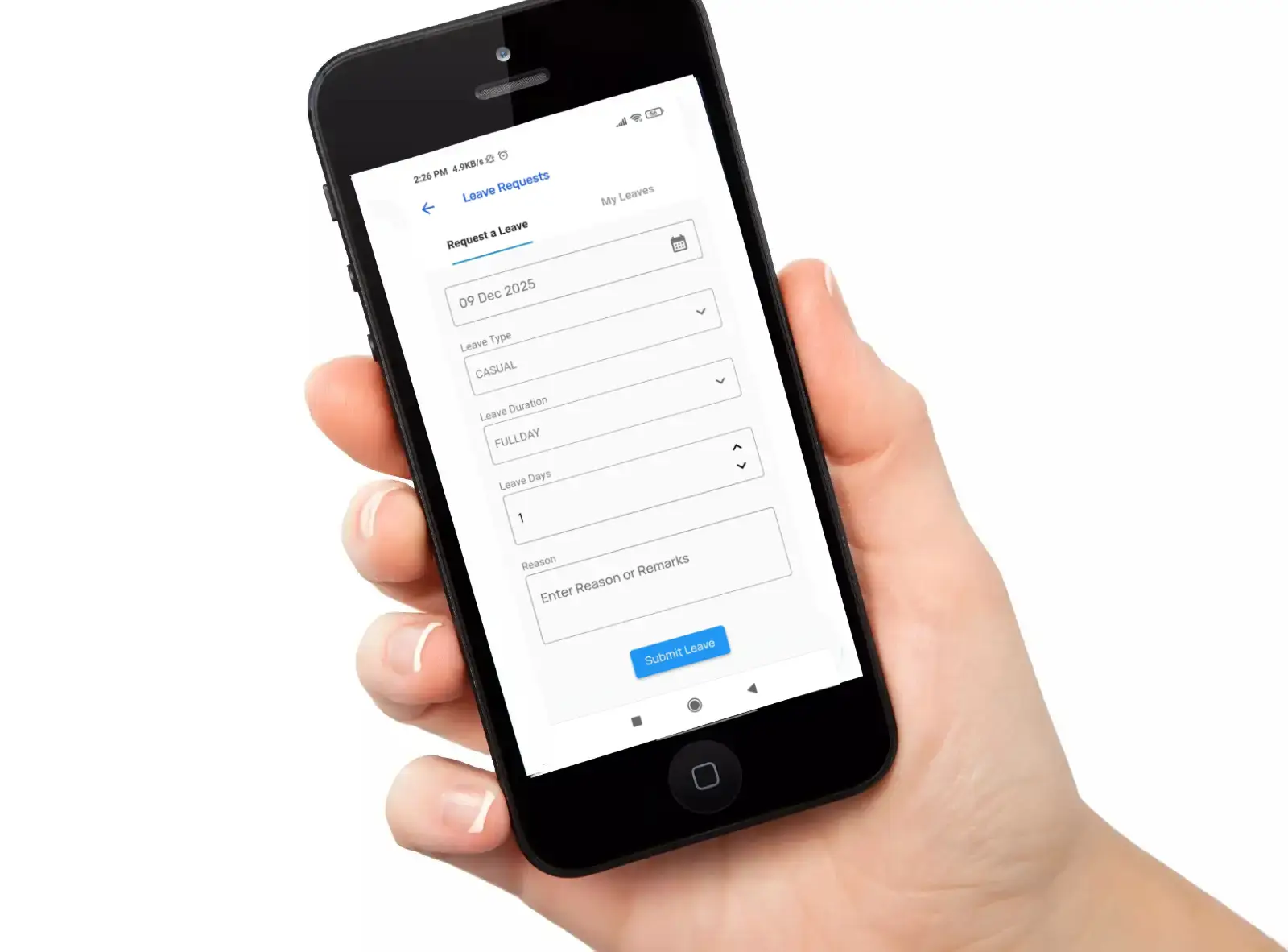
Allows employees and students to request leave, with admins or authorized staff handling approval decisions as per institutional policy.
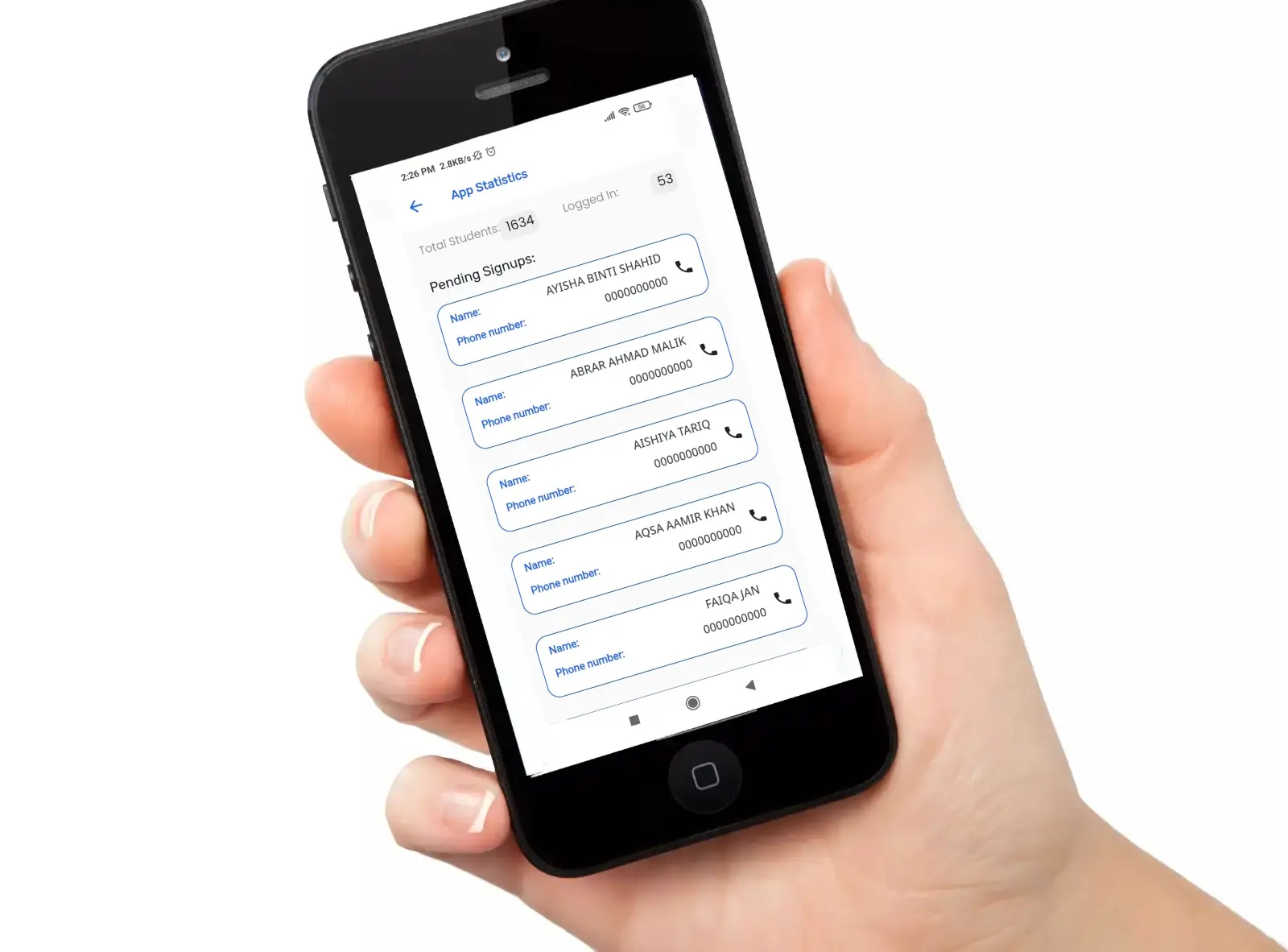
View real-time app usage — see active logins and pending registrations.

Monitor diary submissions across classes with three status indicators: sent, pending, and not required.
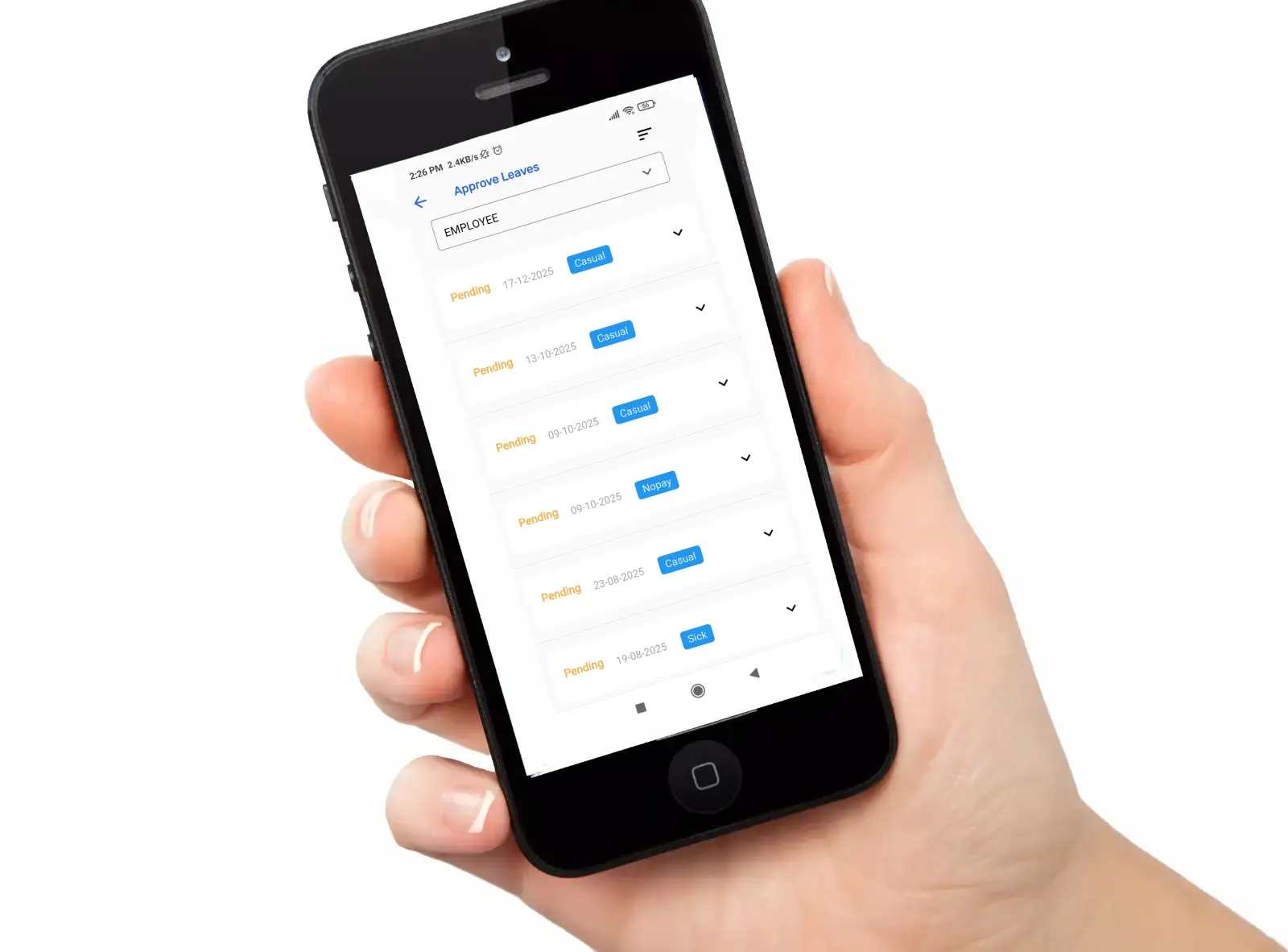
Monitor and analyze employee attendance trends with detailed views of marked and unmarked records, along with the absentee list for comprehensive management.

Set and manage global system configurations, including multi-login restrictions, partial payment rules, dues priority, and detailed permissions like displaying mark sheets or limiting access for students with pending fees.